How to Apply for MDMS in Nepal Online: 4-Step Registration Playbook
If you bought or received a smartphone from abroad (India, Gulf, US, Australia), follow this official online procedure at mdms.nta.gov.np to white-list your IMEI numbers and avoid SIM network blacklisting:
- Check Status: Dial *#06# on your phone. Go to
mdms.nta.gov.npand input IMEI 1 & IMEI 2 to verify if it is already registered. - Open Individual Portal: Navigate to Individual Registration (व्यक्तिगत दर्ता) and select your applicant category (Foreign Returnee or Gift).
- Upload Documents: Submit clear photos of: (a) Citizenship or Passport copy, (b) Boarding Pass / Departure-Arrival stamp, and (c) Purchase Invoice / Customs Declaration Slip.
- Verification & SMS: Once submitted, NTA verifies details within 24–48 hours and sends an official confirmation SMS. Commercial gray-market imports pay 18% customs tax; returnees carrying 1 personal handset qualify for 100% tax exemption.
The Mobile Device Management System (MDMS), deployed by the Nepal Telecommunications Authority (NTA), operates as a centralized regulatory database designed to curtail mobile phone smuggling, eliminate grey-market retail channels, and enforce telecommunication tax compliance. Every smartphone active on Nepal's domestic cellular networks (Nepal Telecom, Ncell, and Smart Telecom) must have its unique 15-digit International Mobile Equipment Identity (IMEI) registered in the MDMS Equipment Identity Register (EIR). Unregistered handsets brought from abroad face systematic cellular baseband blacklisting. This technical guide outlines the IMEI verification workflow, individual passenger registration steps, customs duty exemption rules, and tax payment calculations.
MDMS Nepal Operational Rules at a Glance
1. How to Check if Your Phone is Registered in MDMS
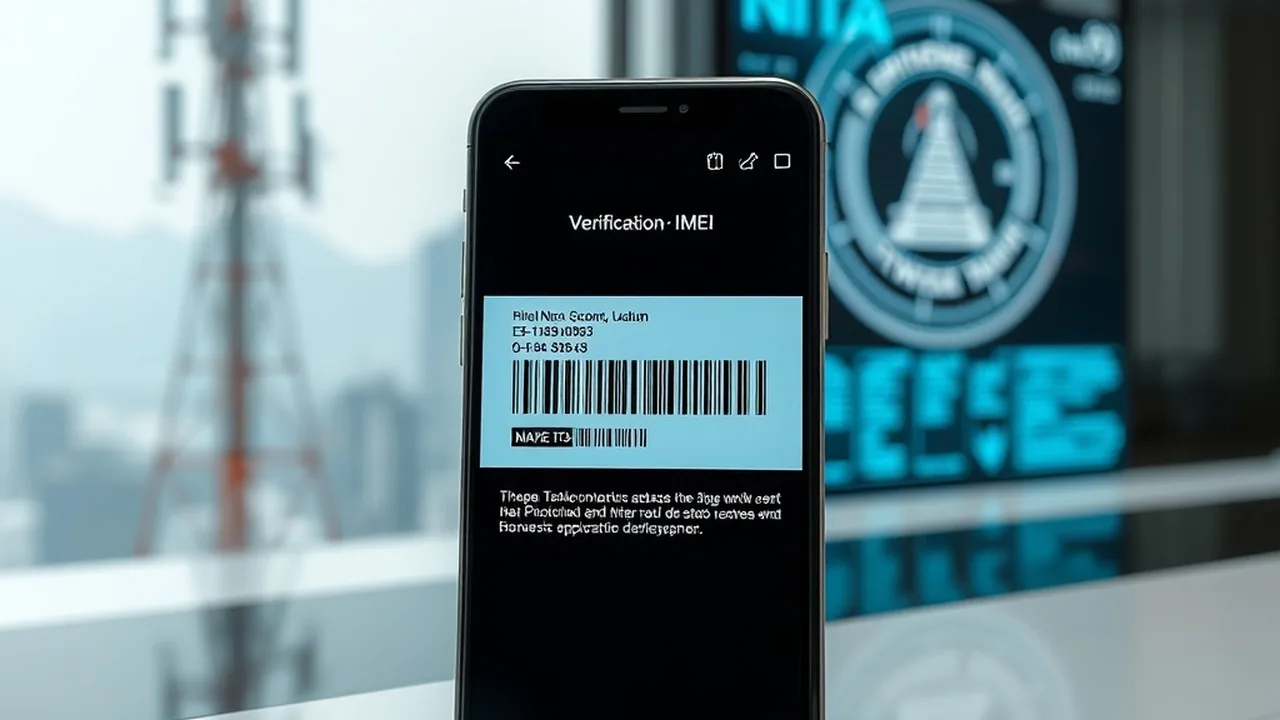
Before purchasing a used smartphone or inserting a local SIM into a newly gifted device, you should check its EIR database registration status:
- Retrieve Your 15-Digit IMEI: Open your smartphone's dialer application and key in
*#06#. An on-screen prompt displays IMEI 1 and IMEI 2 (for dual-SIM or physical SIM + eSIM devices). Alternatively, navigate to Settings → About Phone → Status → IMEI. - Access the NTA MDMS Portal: Visit https://mdms.nta.gov.np on any desktop or mobile browser.
- Submit the Query: Enter your 15-digit numeric IMEI into the verification field and click Search.
- Interpret the Output:
- "Your mobile is registered in MDMS": The device is fully compliant. No further action is required.
- "Your mobile is NOT registered in MDMS": The phone is operating on borrowed time and must be registered online to avoid cellular baseband rejection.
2. Customs Regulations: Personal Allowance vs Taxable Imports
Under the revised Department of Customs Luggage Rules (Baggage Regulations), the tax treatment of foreign smartphones entering Tribhuvan International Airport (TIA) depends on the traveler's visa status:
| Passenger Category | Free Allowance | Second Phone Eligibility | Customs Tax Liability |
|---|---|---|---|
| Returning Migrant Worker (Labor Permit > 6 Mos) | 1 Used Phone | 1 Extra Packaged Phone | 100% Tax-Exempt for both with proof of work visa & Labor Approval |
| General Traveler / Tourist / Student | 1 Used Phone | No Free Allowance | Second phone must pay customs declaration tax at TIA Customs Counter |
| Courier / Gift Delivery via Postal Cargo | 0 Phones | N/A | Flat customs assessment (13% VAT + 5% Customs Duty) on declared invoice |
3. Step-by-Step Individual Registration Workflow
If you brought a handset personally from overseas that was not automatically registered at airport customs, you must execute an individual registration on the NTA portal:
Join NextByte Tech Community on Telegram
Get immediate notifications for new verified Windows fixes, open-source utilities, and tech tutorials.
- Navigate to Individual Portal: Open https://mdms.nta.gov.np/individual-registration.
- Select Registration Type: Choose "Registration for Personal Use (Foreign Returnee)".
- Enter Hardware Parameters: Enter the Brand name (e.g., Apple, Samsung), Model name (e.g., iPhone 16 Pro Max, Galaxy S25 Ultra), and both IMEI 1 and IMEI 2. Registering both IMEIs is critical for dual-SIM devices; failing to register IMEI 2 causes the secondary SIM slot or eSIM to stop functioning.
- Upload Mandatory Verification Documents (PDF / JPEG under 1MB):
- Passport page showing demographic information and photo.
- Passport page showing departure stamp from foreign country and TIA Immigration arrival stamp.
- Boarding pass stub matching arrival date.
- Labor permit (Shramik Swikriti) document (for migrant workers claiming duty exemption).
- Original purchase invoice/receipt detailing IMEI numbers.
- Application Review & Approval: NTA verification officers cross-check uploaded stamps against the Department of Immigration border database. Approval typically takes between 24 to 72 business hours, after which an SMS confirmation is dispatched.
4. Official Customs Duty Rates for Commercial & Second Handsets
For phones requiring formal customs clearance, the Government of Nepal applies fixed tax brackets based on handset valuation:
- Smartphones Above NPR 100,000 (Flagships / iPhones): Flat customs duty of NPR 10,000 per unit plus 5% road maintenance charges.
- Smartphones Between NPR 20,000 – 100,000 (Mid-Range): Flat customs duty of NPR 3,000 per unit.
- Feature / Budget Handsets Below NPR 20,000: Flat customs duty of NPR 1,000 per unit.
Compare Budget Smartphones & Specs in Nepal
Planning to buy a verified MDMS-compliant smartphone in Nepal? Explore our benchmarks and buying guides for 2026. 📱 Best Phones Under 30,000 in Nepal 2026 →