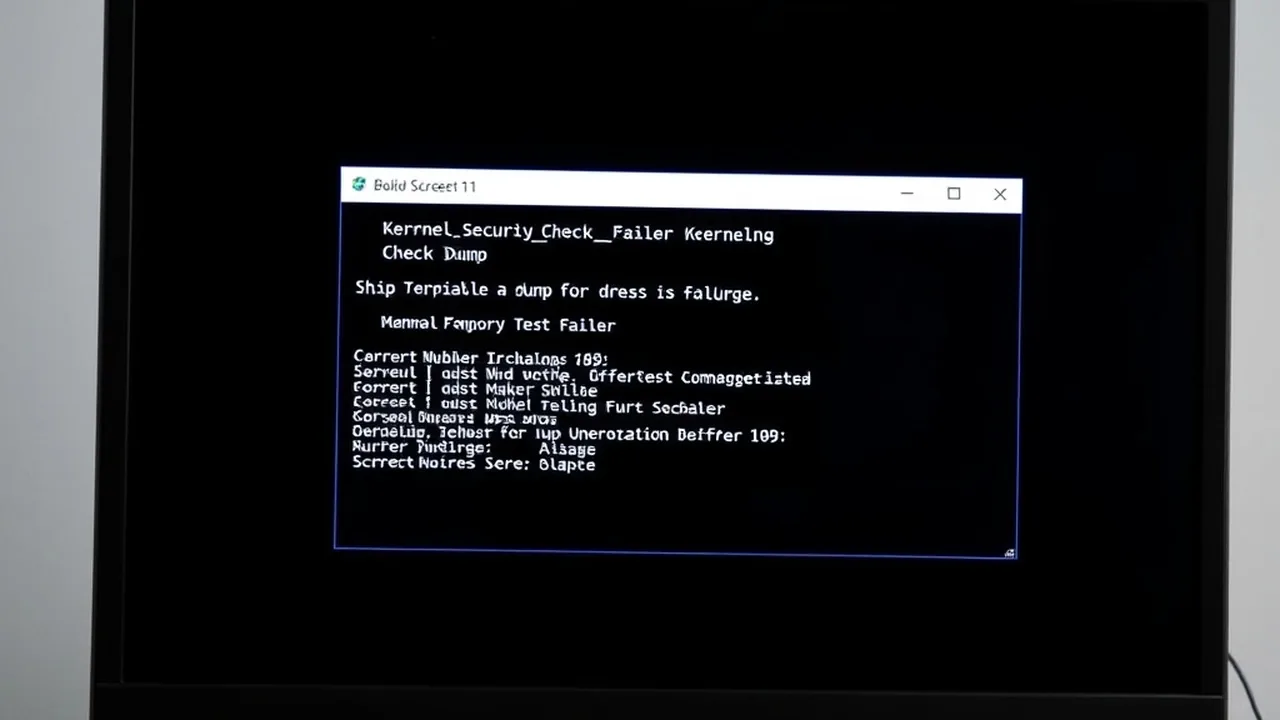
When Windows logs The description for Event ID 153 from source nvlddmkm cannot be found or crashes directly with VIDEO_TDR_FAILURE (nvlddmkm.sys), the Windows WDDM Timeout Detection and Recovery engine aborted your NVIDIA GPU because a shader or power-state transition stalled for over 2 seconds. In most Windows 11 24H2/26H2 systems, three culprits account for 90% of recurring faults: corrupted driver shader remnants, Windows Multi-Plane Overlay (MPO) scanout collisions, or PCIe 5.0/4.0 transient voltage droops.
reg add "HKLM\SOFTWARE\Microsoft\Windows\Dwm" /v OverlayTestMode /t REG_DWORD /d 5 /f
💡 Quick Note: Running the Administrator command above disables Multi-Plane Overlay (MPO) desktop compositing glitches cleanly without replacing your GPU driver.
Few PC failures disrupt a workstation or gaming session as abruptly as a black-screen freeze followed by an Event Viewer warning reading nvlddmkm Event ID 14 or Event ID 153—or an outright Blue Screen displaying VIDEO_TDR_FAILURE (0x00000116). Left unresolved, stalled display driver Deferred Procedure Calls (DPCs) can even escalate into kernel-wide DPC_WATCHDOG_VIOLATION (0x00000133) crashes.
Reinstalling GeForce Experience or clicking "Express Install" rarely cures nvlddmkm.sys because legacy registry keys, Shader Cache locks, and Windows Update auto-pushed OEM drivers survive standard uninstalls. This hardware-level protocol isolates software driver corruption from physical PCIe slot, VRAM, and ATX 3.1 power delivery faults.
1. Decode Your Crash Signature Before Modifying Anything
| Symptom / Event Code | Root Subsystem Trigger | Primary Fix Sequence |
|---|---|---|
| Event ID 153 / 14 (Black Screen Recovery) | Driver shader lock, MPO hook, or unstable factory GPU boost offset | Disable MPO, Safe-Mode DDU wipe, enable NVIDIA Debug Mode |
| 0x00000116 (VIDEO_TDR_FAILURE) | GPU failed to reset within Windows 2s TDR watchdog window | DDU clean install, lock PCIe Gen speed in BIOS, raise TdrDelay to 10s for diagnostics |
| 0x00000119 (VIDEO_SCHEDULER_INTERNAL_ERROR) | Hardware-Accelerated GPU Scheduling (HAGS) or VRAM page fault | Toggle HAGS Off temporarily; run OCCT VRAM + DDR5 XMP stress verification |
| nvlddmkm.sys High DPC Latency (>1.0 ms) | Line-based IRQ contention & aggressive ASPM link state down-clocking | Switch GPU to MSI Mode + Set Prefer Maximum Performance in NVCP |
2. Safe-Mode Display Driver Uninstaller (DDU) Clean Wipe
Standard NVIDIA installers leave stale nvlddmkm.sys file permissions inside System32\DriverStore, triggering permission-denied resets during 3D load transitions. Perform an offline wipe:
RAM Speed & True Latency Calculator
Calculate exact real response times in nanoseconds (ns) and dual-channel bandwidth for AMD Ryzen & Intel PC builds.
2026 Windows 11 Optimization Cheat Sheet
Download our complete verified cheat sheet with 25+ PowerShell commands, debloating scripts, and service tweaks to get sub-10 second boot times.
- Download Display Driver Uninstaller (DDU) from Wagnardsoft and grab your target WHQL Studio or Game Ready driver package beforehand.
- Disconnect Ethernet/Wi-Fi so Windows Update cannot silently inject an old driver mid-reboot.
- Hold Shift while clicking Restart → Troubleshoot → Advanced options → Startup Settings → Press F4 for Safe Mode.
- Run DDU, select GPU → NVIDIA, check Prevent downloads of drivers from Windows Update, and click Clean and restart.
- Back in normal Windows, run the downloaded installer as Administrator, pick Custom (Advanced), and check Perform a clean installation before reconnecting the internet.
3. Disable Multi-Plane Overlay (MPO) & Force Power Stability
Windows 11 relies on hardware Multi-Plane Overlays to composite desktop apps, Discord overlays, and hardware-accelerated Chrome videos simultaneously. Driver mismatches on dual-monitor setups or high-refresh 240Hz displays frequently stall the display engine inside nvlddmkm.sys:
- Disable MPO: Open elevated Terminal and run
reg add "HKLM\SOFTWARE\Microsoft\Windows\Dwm" /v OverlayTestMode /t REG_DWORD /d 5 /f, then reboot. To revert later, simply delete theOverlayTestModekey. - Lock NVIDIA Power Management Mode: Open NVIDIA Control Panel → Manage 3D Settings → Power management mode and set it to Prefer maximum performance (either globally or per affected game) to stop aggressive idle voltage drops during menu transitions.
- Test NVIDIA Debug Mode: In NVIDIA Control Panel's top menu bar, click Help → Debug Mode. This temporarily strips factory AIB partner overclocks down to NVIDIA reference clocks. If crashes vanish in Debug Mode, your GPU's factory boost curve needs a -45 MHz core offset or RMA inspection.
4. Diagnostic TDR Registry Check & PCIe Link / PSU Integrity
Windows sets a hard 2-second Timeout Detection and Recovery (TDR) limit. While raising TdrDelay to 10 seconds inside HKLM\SYSTEM\CurrentControlSet\Control\GraphicsDrivers prevents heavy Unreal Engine 5 shader compilations or local PyTorch LLM batches from tripping false timeouts, remember that TdrDelay does not repair unstable hardware.
reg add "HKLM\SYSTEM\CurrentControlSet\Control\GraphicsDrivers" /v TdrDelay /t REG_DWORD /d 10 /f
reg add "HKLM\SYSTEM\CurrentControlSet\Control\GraphicsDrivers" /v TdrDdiDelay /t REG_DWORD /d 10 /f
- Verify PCIe Generation Lock: On riser-cable vertical mounts or borderline Gen 5 motherboards, drop the primary x16 slot from Auto to Gen 4 in UEFI BIOS to eliminate PCIe eye-diagram signal reflections under heavy load.
- Check ATX 3.1 / 12V-2x6 Rail Headroom: High-TDP Blackwell and Ada Lovelace GPUs produce sub-millisecond 1.5x–2x transient power excursions that trip aging PSU over-current protection. Size your system load accurately using our PSU Wattage & Rail Calculator and verify system balance with the PC Bottleneck Calculator.
- Profile Kernel DPC Interrupt Spikes: If
nvlddmkm.sysspikes above1.0 msinside LatencyMon causing audio buzzing right before freezes, apply our MSI Mode & Windows 11 DPC Latency Fix Guide.