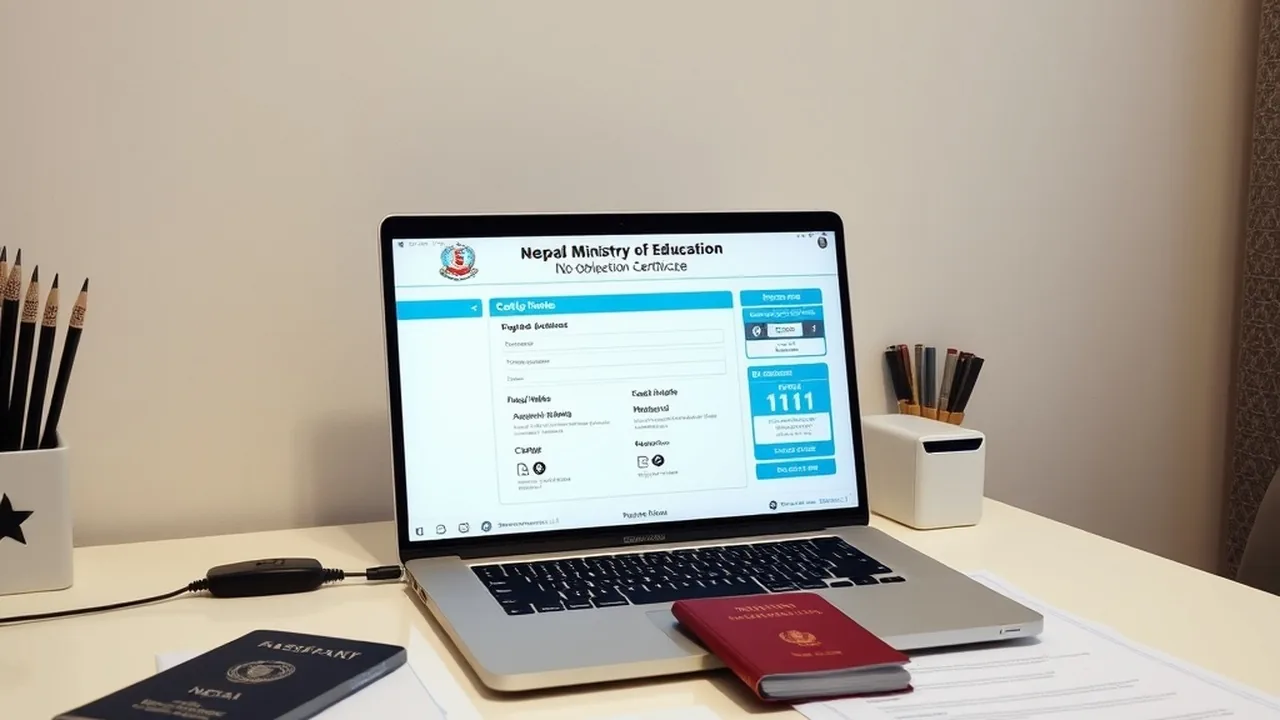
Participating in Nepal's primary capital market (Initial Public Offerings - IPOs) and secondary equity trading on the Nepal Stock Exchange (NEPSE) is fully digitized through CDSC (CDS and Clearing Limited). Centered around the MeroShare web portal and mobile application, individual investors can open paperless Demat accounts, verify banking mandates via C-ASBA (Centralized Application Supported by Blocked Amount), submit IPO bids within 60 seconds, and connect directly to brokerage firm Trade Management Systems (TMS). This technical investment manual provides an end-to-end breakdown of Demat provisioning, CRN code generation, portfolio tax settings, and secondary order execution.
Nepal Capital Market Architecture at a Glance (2026)
1. Demat Account & MeroShare: Core Structural Definitions
Before investing in any security listed on NEPSE, investors must establish two foundational digital accounts:
- Beneficiary Owner Identification (BOID / Demat Number): A unique 16-digit numeric identifier issued by a licensed Depository Participant (DP), typically commercial banks or registered merchant banks (e.g., Nabil Investment, Global IME Capital, NIC Asia Capital). The first 8 digits denote the DP identifier, while the last 8 digits represent the individual client account.
- MeroShare Platform: The web-based investor interface developed by CDSC that sits on top of your Demat account. It facilitates applying for IPOs/FPOs/Rights shares, monitoring portfolio valuations, transferring shares electronically via Electronic Initial Delivery Instruction Slip (EDIS), and calculating Weighted Average Cost (WACC) for tax assessment.
2. Step-by-Step Online Account Opening (Zero Bank Visit)
Most commercial banks in Nepal now offer 100% paperless Demat and MeroShare onboarding through video KYC (v-KYC) and digital verification:
- Access Bank Merchant Banking Portal: Visit your commercial bank's investment portal (e.g., Global IME Capital, Nabil Invest, Sanima Capital). Select "Open Online Demat & MeroShare".
- Biographical Information: Provide your Citizenship Number, Date of Birth, Permanent Address, and verified Personal PAN number (mandatory for capital gains tax calculations under SEBON directives).
- Digital Asset Uploads:
1. Scanned copy of Citizenship Certificate (Front & Back)
2. Passport-sized color digital photograph
3. Digital signature sample on white paper
4. Thumb impression scan (Left and Right) - Account Fee Clearance: Clear the standard opening tariff (NPR 150 for Demat account opening + NPR 50 for MeroShare annual subscription) via digital wallets (eSewa, Khalti, or connectIPS).
- Receiving Credentials: Within 24 to 48 hours, the DP issues your 16-digit BOID number and dispatches MeroShare login credentials (Depository Participant code, Username, and initial password) directly to your registered email address.
3. Generating Your C-ASBA CRN Number
Having a Demat account alone is insufficient for submitting IPO applications; your bank account must be linked to the C-ASBA framework through a Customer Registration Number (CRN):
- What CRN Does: When you bid for an IPO, the funds (e.g., NPR 1,000 for 10 units) are not instantly deducted. Instead, your bank locks the amount under a lien using your CRN. If allotted, the funds are debited; if unallotted, the lien is released immediately without refund paperwork.
- Retrieving CRN via Mobile Banking: Log in to your bank's mobile app (e.g., Global Smart Plus, Nabil SmartBank, NIC Asia MoBank). Navigate to Services → ASBA / C-ASBA Request → Register CRN. Enter your 16-digit BOID. The app instantly verifies your identity and displays your unique alphanumeric CRN code.
4. Applying for an IPO via MeroShare: Step-by-Step
| Step | Action in MeroShare | Required Input | Security Note |
|---|---|---|---|
| 1. Login | Select DP, enter Username & Password | meroshare.cdsc.com.np | Change initial PIN immediately |
| 2. Select Issue | Go to "My ASBA" → "Apply for Issue" | Select target IPO (Ordinary Shares) | Verify issue closing date |
| 3. Fill Form | Select Bank, enter Applied Units (10) | Enter Verified CRN Code | Under SEBON rules, 10 units is optimal |
| 4. Authorize | Confirm terms & enter 4-digit PIN | Transaction PIN | Status displays "Application Verified" |
5. Transitioning to Secondary Market Trading: TMS Account Setup
Once you hold allotted shares or wish to buy and sell equities directly on the secondary exchange, you must register with a registered SEBON brokerage house (Brokers 1 through 90+):
Join NextByte Tech Community on Telegram
Get immediate notifications for new verified Windows fixes, open-source utilities, and tech tutorials.
- Online Broker Registration: Navigate to the Trade Management System URL of your chosen brokerage (e.g., tms58.nepsetms.com.np for Broker 58, tms49.nepsetms.com.np for Broker 49). Click "New Registration".
- Client Code Issuance: Enter your 16-digit BOID and bank account details. The broker verifies your identity and issues a dedicated TMS Client Code.
- Collateral & EDIS Transfer: Buying shares requires loading digital collateral via connectIPS (typically 25% to 100% margin). Selling shares requires transferring the sold securities from your MeroShare account to the broker clearing pool via EDIS (Electronic Delivery Instruction Slip) within 24 hours of trade execution.
Explore Connected Financial & Tax Solutions
Discover how to issue a personal PAN card online and optimize foreign remote income taxation in Nepal.