Under the Foreign Employment Act, 2064, every Nepalese national engaged in overseas employment must hold a valid Labor Approval Certificate (Shramik Swikriti) issued by the Department of Foreign Employment (DoFE) under the Ministry of Labour, Employment and Social Security. Working abroad without active labor approval or allowing an existing permit to lapse forfeits access to the Foreign Employment Welfare Fund, invalidates state-backed term life insurance coverages up to NPR 2,800,000, and causes Tribhuvan International Airport (TIA) Immigration officers to offload travelers. Following full operational migration to the Foreign Employment Information Management System (FEIMS), migrant workers can renew labor approvals from overseas or within Nepal without queuing at Tahachal labor offices. This technical manual details the renewal workflow, insurance calculations, welfare fund settlements, and digital sticker download protocols.
DoFE FEIMS Online Shram Framework (2026)
1. Eligibility Criteria for Individual Online Renewal (Puna Shram)
The online re-entry labor approval (Puna Shramik Swikriti) is accessible to individuals who have previously completed biometrics at the Foreign Employment Office (Tahachal or provincial branches) and meet standard regulatory benchmarks:
- Valid Biometric Record on File: The applicant must have registered biometric fingerprints and facial portraits under the FEIMS system during a previous foreign employment cycle.
- Active Work Visa & Contract Extension: A clear digital scan of the renewed visa stamp, electronic work permit (e.g., Iqama in Saudi Arabia, Civil ID in Kuwait, Emirates ID in UAE), or valid employment contract in the destination country.
- Valid Passport Validity: The applicant's biometric e-Passport or MRP must hold at least six months of remaining validity from the date of submission.
2. Mandatory Financial Settlements: Welfare Fund & Term Insurance
Before an application is approved by DoFE scrutinizing officers, two mandatory statutory financial liabilities must be cleared through integrated digital channels:
🏛️ Foreign Employment Welfare Fund (Kalyankari Kosh)
Administered by the Foreign Employment Board, this fund provides financial compensation, medical treatment aid, and repatriation support to workers and their families in case of injury or mortality abroad.
Contract exceeding 3 Years: NPR 2,500
🛡️ Mandatory Term Life Insurance (Myadi Bima)
Underwritten by authorized Nepalese life insurance syndicates, covering accidental mortality, critical illnesses, and disability up to NPR 2,800,000 during the foreign deployment period.
Game & File Download Time Calculator
Calculate exact ETA for GTA 6, Warzone, Steam games, and 4K media across 30 Mbps to 1 Gbps fiber plans with 10% TCP/IP real-world overhead.
Age 36 – 50 (2 Years): ~NPR 4,930
Age 51 – 60 (2 Years): ~NPR 9,284
3. Step-by-Step FEIMS Online Renewal Workflow
- Login to the FEIMS Individual Portal: Open https://feims.dofe.gov.np/. Click on "Individual Login". Enter your registered passport number and password, or select "Forgot Password" to retrieve access via the email on file.
- Initiate Re-Entry Labor Approval: Navigate to the dashboard menu and select "Apply for Re-Entry / Individual Labour Approval".
- Verify Existing Employment History: The system automatically populates your prior overseas work records, employer credentials, and destination jurisdiction. Select whether you are continuing with the Same Employer or have migrated to a New Employer.
- Upload Supporting Documents (JPEG / PDF under 500 KB):
1. Valid Passport biographical page
2. Valid renewed Work Visa / Resident Identity Card (e.g., Iqama, QID, EID)
3. Employment contract agreement or verified salary letter - Execute Insurance & Welfare Fund Payments: The portal computes the exact tariff based on your age bracket and contract term. Choose your preferred digital wallet (eSewa, Khalti, or connectIPS). Payments reflect on the application dashboard in real time.
- Application Audit & Approval: DoFE officers review uploaded visa credentials against immigration databases. Approval is typically granted within 4 to 24 business hours.
4. Downloading & Verifying the Digital Labor Sticker (e-Sticker)
Physical passport labor stickers have been completely phased out in favor of cryptographically secured electronic permits (e-Stickers):
- Once approved, click on "Print Labour Sticker" from your FEIMS dashboard.
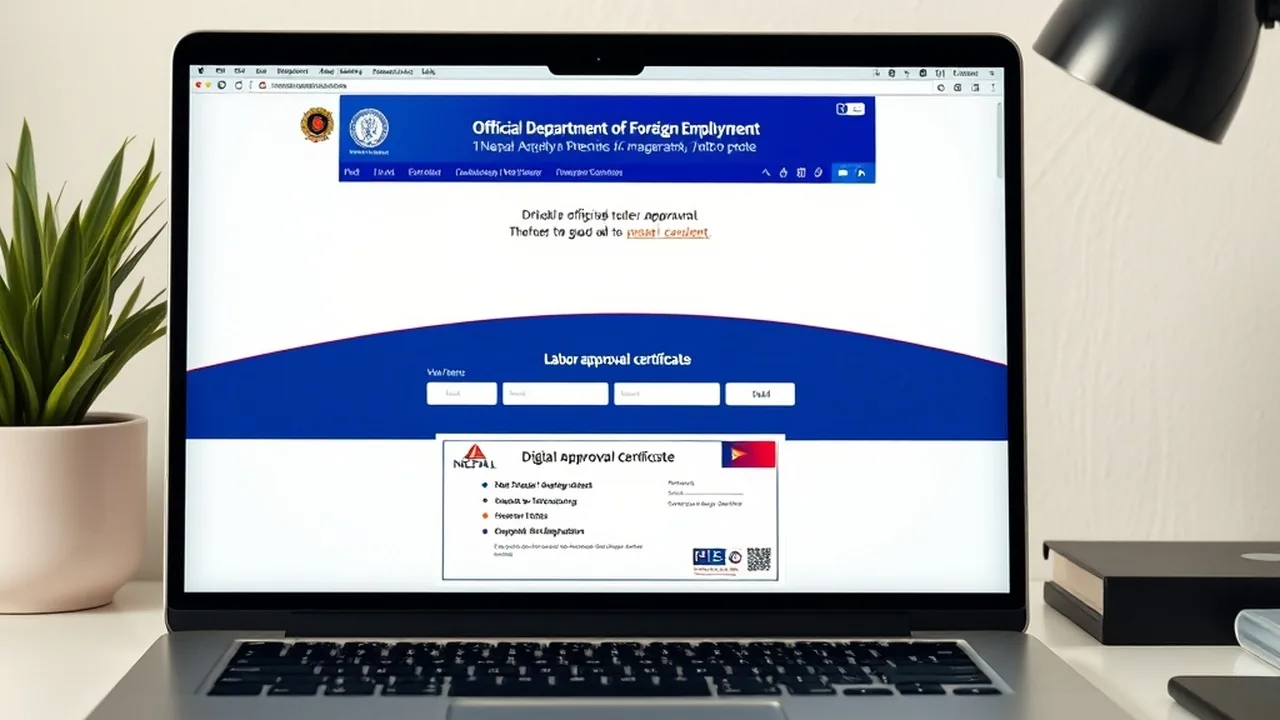
- Download the high-resolution digital certificate containing your full legal particulars, employer name, destination country, contract validity dates, and an encrypted verification QR code.
- Keep a digital copy stored in the Nagarik App or print a physical copy. Immigration officers at TIA Airport scan this QR code directly during departure clearance.
Explore Connected Citizen Governance Resources
Need to register foreign smartphones with MDMS or apply for an e-passport? Explore our verified technical guides for 2026.