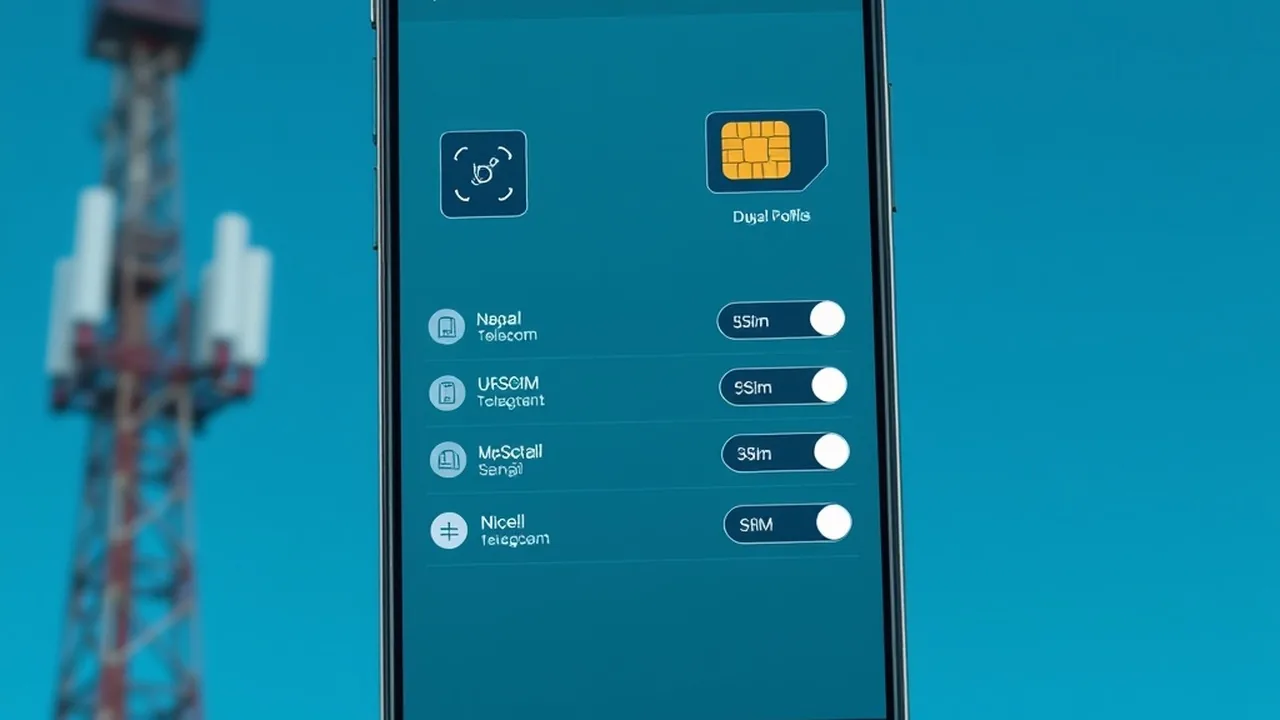
The migration from physical removable Subscriber Identity Module (SIM) cards to embedded Universal Integrated Circuit Cards (eUICC) represents a structural shift in Nepal's telecommunications ecosystem. Led by Nepal Telecom (NTC) and Ncell Axiata, embedded SIM (eSIM) technology enables software-driven profile switching, eliminates physical tray wear, and is mandatory for users importing US-market iPhones (iPhone 14, 15, and 16 series) that lack physical nano-SIM slots. However, improper Remote SIM Provisioning (RSP), failed SM-DP+ server handshakes, and unverified IMEI registrations in the NTA MDMS database frequently result in stalled activation loops. This technical guide delivers an exhaustive operational breakdown of eSIM provisioning, pricing structures, dual-SIM power overhead, and device troubleshooting in Nepal.
eSIM Deployment in Nepal at a Glance (2026)
1. Technical Overview of eUICC Architecture in Nepal
An eSIM is not a virtual number; it is a physical microchip measuring approximately 6mm × 5mm hardwired directly onto the smartphone's main logic board (Surface Mount Device - SMD). The chip houses an operating system capable of securely storing cryptographic subscriber credentials and cryptographic keys over-the-air (OTA) via GSMA-standardized Remote SIM Provisioning (RSP) protocols:
- Subscription Manager Data Preparation (SM-DP+): The operator-side server cluster that cryptographically packages the SIM profile into an encrypted bundle tailored specifically to your device's unique 32-digit Embedded Identity Document (EID).
- Local Profile Assistant (LPA): The client-side software stack built into iOS and Android that handles scanning the QR code, initiating TLS handshakes with the SM-DP+ server, and writing the decrypted profile into the non-volatile memory of the eUICC chip.
- Dual-SIM Standby (DSDS): Modern smartphones utilize dual-baseband multiplexing, allowing one physical SIM and one eSIM (or two concurrent eSIMs) to remain synchronized with cellular cell towers on standby simultaneously.
2. NTC eSIM vs Ncell eSIM: Pricing, Provisioning & Network Bands
Both major operators in Nepal support eSIM provisioning for prepaid and postpaid lines, but their logistical workflows, remote portals, and cellular frequencies differ:
| Specification / Feature | Nepal Telecom (NTC) | Ncell Axiata |
|---|---|---|
| Physical to eSIM Upgrade Fee | NPR 0 (Free) | NPR 0 (Free via Ncell App) |
| Fresh New eSIM Price | NPR 90 (Prepaid with NPR 50 talktime) | NPR 100 (Includes starter data pack) |
| Digital Online Upgrade Method | NTC Self-Care Portal & SMS verification | Ncell App (Digital KYC & Live Selfie) |
| VoLTE Support (High-Def Voice) | Supported (*444# activation) | Native VoLTE enabled |
| Primary 4G LTE Bands | Band 3 (1800 MHz), Band 20 (800 MHz) | Band 3 (1800 MHz), Band 8 (900 MHz) |
| US eSIM-Only iPhone Compatibility | 100% Certified | 100% Certified |
3. Step-by-Step Activation Workflow
Method A: Upgrading an Existing NTC SIM to eSIM
- Verify Device Compatibility & Retrieve EID: Open your dialer and enter
*#06#. If your phone supports eSIM, an EID barcode along with a 32-digit alphanumeric string appears. Alternatively, navigate to Settings → General → About (iOS) or Settings → About Phone → Status (Android). - Digital Self-Service Request (or Counter Visit): For existing active numbers, send an SMS from your current physical SIM with the message
esim <Your-Email-Address>to 1415 (when promotionally enabled), or log in to the official NTC portal (ntc.net.np). If biometric re-verification is required under NTA directives, visit any NTC customer care center (e.g., Sundhara, Jawalakhel, Chabahil) with your original Citizenship Certificate. - Generate Secure QR Code: NTC provisions the subscriber profile and prints or emails a confidential QR activation slip containing the SM-DP+ routing parameters.
- Scan on Target Device: Connect your device to a stable Wi-Fi connection. Navigate to Settings → Cellular → Add eSIM → Use QR Code. Align the camera with the voucher. The device downloads the profile from NTC's SM-DP+ server within 30 to 60 seconds.
Method B: Upgrading via the Ncell App
- Launch Ncell App: Open the authenticated Ncell App on your smartphone while connected via cellular data or Wi-Fi.
- Select eSIM Migration: Navigate to the Services tab and choose "Upgrade to eSIM".
- Enter EID & Citizenship Number: Enter the 32-digit EID of your phone and confirm identity via OTP dispatched to your registered number.
- Receive Digital QR via Registered Email: Ncell dispatches the cryptographically signed activation QR directly to your verified email address.
- Install Profile: Scan the QR code using the secondary device screen or printout. Once accepted, your physical nano-SIM is deactivated immediately, and cellular signal transfers to the embedded chip.
4. Configuring US-Model iPhones (iPhone 14, 15 & 16 Series)
Apple removed physical SIM trays entirely from all US-market iPhone models starting with the iPhone 14 series. When bringing a US device to Nepal:
- MDMS Registration First: Ensure both IMEI 1 and IMEI 2 are officially cleared in the NTA MDMS system. If MDMS blocks the baseband, the eSIM profile will download successfully but will show "No Service" or "Searching..." indefinitely. Follow our verified MDMS Nepal Registration Guide.
- Dual Active eSIMs: US iPhones can store up to eight distinct eSIM profiles and keep two active simultaneously. You can run one NTC eSIM and one Ncell eSIM concurrently with zero physical hardware.
- Configuring Correct Cellular APN:
NTC 4G Data APN: ntnet | LTE Setup APN: ntnet
Ncell 4G Data APN: web | LTE Setup APN: web
5. Troubleshooting Common eSIM Provisioning Errors
❌ "Unable to Complete Cellular Plan Change"
Root Cause: The eSIM activation QR code is single-use. If you delete the profile or attempt to scan the same QR code on a second handset, the SM-DP+ server rejects the handshake because the session token is burned.
Tech Versus: Side-by-Side Compare Engine
Compare GPUs, CPUs, and Flagship Smartphones head-to-head with GSMArena-style specs, gaming FPS benchmarks, and winner verdicts.
⚠️ Cellular Signal Loop: "Searching..." or "No Service"
Root Cause: VoLTE profile misalignment or MDMS regulatory IMEI quarantine. Newer basebands require IMS registration for voice handoffs over pure LTE networks. Solution: Enable "Voice & Data" -> select "4G / LTE" -> toggle "VoLTE" ON. For NTC, dial *444# from another phone to verify VoLTE subscription status on the line.
6. Battery Drain & Dual-SIM Standby Power Profiling
Running dual active lines on modern basebands introduces an estimated 4% to 8% additional daily battery drain compared to single-SIM standby. This occurs because the cellular transceiver must maintain intermittent paging channel connections with two distinct tower cell IDs. In areas of weak indoor signal (common in dense concrete residential buildings in Kathmandu), both baseband receivers ramp up transmit power amplifiers (PA) to maximum gain, accelerating battery dissipation. To conserve power during low battery states, toggle the secondary cellular line off under Settings → Cellular → Turn On This Line.
Explore Connected Digital Nepal Guides
Need to register your foreign phone or pay for global software subscriptions? Check our verified technical guides for 2026.