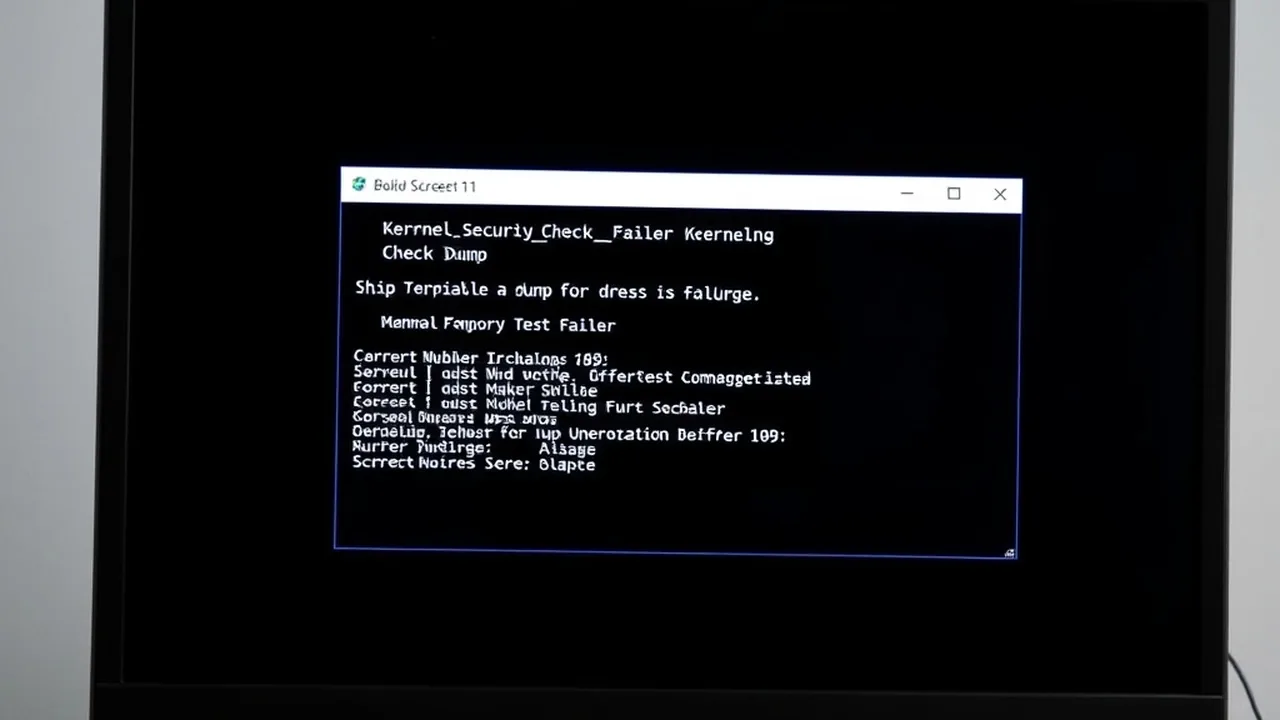
When Windows 11 halts with IRQL_NOT_LESS_OR_EQUAL (Stop Code 0x0000000A) or DRIVER_IRQL_NOT_LESS_OR_EQUAL (0x000000D1) and lists What failed: ntoskrnl.exe, the Windows kernel itself is almost never the root defect. Instead, a kernel-mode driver, anti-cheat module, or unstable DDR5/DDR4 memory bit flip attempted to access pageable memory at an elevated Interrupt Request Level (DISPATCH_LEVEL or higher), forcing ntoskrnl.exe to trigger an immediate bugcheck to prevent silent filesystem corruption.
1. Why "What Failed: ntoskrnl.exe" Misleads Most Users
In the Windows NT kernel architecture, memory pages flagged as pageable can be swapped out to disk (pagefile.sys). When hardware or software executes at IRQL >= 2 (DISPATCH_LEVEL), the memory manager cannot service a page fault. If a buggy driver passes a corrupted pointer to a kernel routine, the crash frame terminates inside ntoskrnl.exe even though a third-party driver caused the invalid reference.
| Crash Trigger Scenario | Most Probable Culprit | Verified Resolution |
|---|---|---|
| Launch of Battlefield 6 / Valorant / EA Javelin | Kernel anti-cheat + HVCI / Core Isolation conflict | Update anti-cheat service, BIOS AGESA/ME, and remove legacy RGB ring-0 drivers (WinRing0). |
| Controller plugged in (DS4Windows) | Outdated ViGEmBus.sys or HidHide filter driver |
Uninstall legacy ViGEmBus v1.16, install v1.22+ signed driver, and reset USB Root Hub power management. |
| Random black screen / boot loop after BIOS update | Unstable XMP/EXPO RAM or aggressive PBO Curve Optimizer | Test at JEDEC stock speed, raise DRAM/SoC voltage within spec, or relax PBO negative offset by +5. |
DRIVER_IRQL_NOT_LESS_OR_EQUAL during downloads |
Realtek / Intel 2.5GbE NIC (rt640x64.sys / e2fn.sys) |
Install manufacturer NIC driver directly (not Windows Update generic) and disable Energy-Efficient Ethernet. |
2. Isolate the Real Offending Driver in WinDbg (2 Minutes)
Stop guessing which driver crashed your PC. Open Microsoft Store, install WinDbg, launch it as Administrator, and open the latest .dmp file in C:\Windows\Minidump\:
Ignore ntoskrnl.exe if it appears as the top frame and scroll down to STACK_TEXT. Look for the first non-Microsoft .sys driver in the call stack (such as nvlddmkm.sys, rt640x64.sys, ViGEmBus.sys, or an anti-cheat driver). If your dump points to nvlddmkm.sys, follow our nvlddmkm.sys TDR Crash & DDU Recovery Guide. If it points to stornvme.sys, see our DPC_WATCHDOG_VIOLATION (0x00000133) NVMe HMB Guide.
3. Fix Battlefield 6, Kernel Anti-Cheat & DS4Windows IRQL Crashes
In 2026, two of the highest-volume triggers for IRQL_NOT_LESS_OR_EQUAL on Windows 11 24H2/26H2 are kernel-mode game anti-cheats (such as EA Javelin / Battlefield 6, Vanguard, and Easy Anti-Cheat) and virtual gamepad drivers used by DS4Windows:
RAM Speed & True Latency Calculator
Calculate exact real response times in nanoseconds (ns) and dual-channel bandwidth for AMD Ryzen & Intel PC builds.
2026 Windows 11 Optimization Cheat Sheet
Download our complete verified cheat sheet with 25+ PowerShell commands, debloating scripts, and service tweaks to get sub-10 second boot times.
- Clean Out Legacy Virtual Controller Drivers: Open Device Manager, select View → Show hidden devices, expand System devices, and uninstall older Nefarius Virtual Gamepad Emulation Bus (ViGEmBus) or ScpVBus entries before installing the latest signed release.
- Purge Conflicting Ring-0 Hardware Monitors: Older motherboard utilities (RGB Fusion, Armoury Crate legacy services, outdated Corsair iCUE or MSI Center) load vulnerable
WinRing0x64.sysdrivers that collide with Windows 11 Memory Integrity (HVCI) and kernel anti-cheat hooks. - Verify Clean Driver Store: Run
pnputil /enum-driversin an elevated PowerShell window to locate orphaned third-party.infpackages and remove them withpnputil /delete-driver oemXX.inf /uninstall /force.
4. Fix IRQL_NOT_LESS_OR_EQUAL Black Screen & On-Boot Loops
If Windows 11 crashes to a black screen or loops 0x0000000A before reaching the desktop:
- Interrupt the Windows boot logo three consecutive times using the power button to enter Windows Recovery Environment (WinRE).
- Navigate to Troubleshoot → Advanced options → Startup Settings → Restart and press F4 for Safe Mode (or F5 for Safe Mode with Networking).
- Once in Safe Mode, run component store and system file integrity checks:
If DISM throws error 0x800f081f during offline repair, follow our DISM 0x800f081f Component Store Repair Guide.
5. Rule Out Unstable DDR5/DDR4 XMP/EXPO & CPU Undervolts
A single flipped memory address bit in an unstable DDR5-6000/7200 overclock or overly aggressive Ryzen PBO Curve Optimizer (-30) frequently manifests as IRQL_NOT_LESS_OR_EQUAL inside ntoskrnl.exe rather than a clean MEMORY_MANAGEMENT error. Temporarily disable XMP/EXPO in BIOS and validate whether crashes stop. If your crashes also alternate with Stop Code 0x0000001A, run the hardware diagnostic steps in our Windows 11 MEMORY_MANAGEMENT (0x0000001A) BSOD Guide and check your kit's true nanosecond timings with our RAM True Latency Calculator.
6. Catch Silent Third-Party Drivers with Driver Verifier
If WinDbg minidumps consistently show zero third-party drivers in the stack, enable Windows Driver Verifier strictly on non-Microsoft drivers (never verify Microsoft system drivers, and create a System Restore Point first):
Reboot and reproduce the workload. Driver Verifier will force an immediate bugcheck naming the exact offending .sys binary. Afterward, boot into Safe Mode and disable Verifier immediately with: