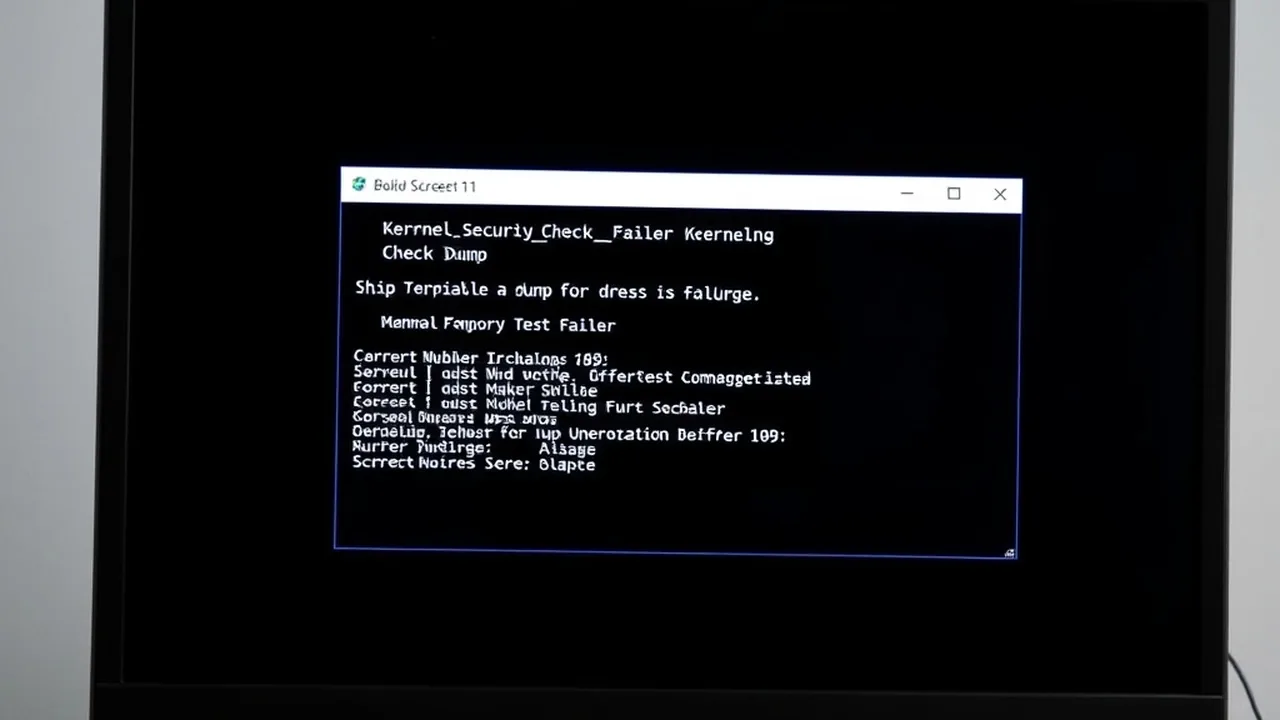
The Windows 11 MEMORY_MANAGEMENT (Stop Code 0x0000001A) Blue Screen of Death indicates a critical page-table, Page Frame Number (PFN) database, or physical DRAM integrity failure detected by the NT Memory Manager. Unlike generic driver crashes, 0x0000001A is strongly correlated with unstable DDR5/DDR4 memory kits, faulty DIMM slots, corrupted pagefile.sys storage blocks, or failing GPU VRAM (when paired with VIDEO_MEMORY_MANAGEMENT_INTERNAL 0x0000010E).
1. Decode Stop Code 0x0000001A Parameter 1 in WinDbg
Before replacing RAM sticks, open your latest minidump from C:\Windows\Minidump in WinDbg and run !analyze -v. Look at Arg1 (BugCheck Parameter 1)—it tells you immediately whether you are facing a hardware bit flip, an NVMe pagefile error, or a software driver leak:
| Parameter 1 (Arg1) | Kernel Meaning | Primary Root Cause & Action |
|---|---|---|
0x41792 |
Corrupted Page Table Entry (PTE) | Classic physical RAM defect or unstable DDR5 XMP/EXPO profile. Test one stick at a time with MemTest86 / TM5. |
0x61941 |
Hardware memory corruption / bit flip | Faulty DIMM, dirty gold contacts, or CPU IMC voltage droop under load. Reseat DIMMs in A2/B2 and disable XMP. |
0x403 / 0x41284 |
Pagefile / PFN list corruption | Corrupted pagefile.sys or NVMe SSD bad sectors. Reset pagefile, run chkdsk /f /r, and check SSD SMART health. |
0x0000010E (Separate Code) |
VIDEO_MEMORY_MANAGEMENT_INTERNAL |
GPU driver or VRAM fault (often with win32k.sys / dxgmms2.sys). Clean reinstall GPU driver via DDU. |
2. Stress-Test DDR5 & DDR4 RAM Properly (Skip Built-In Quick Scans)
Windows Memory Diagnostic (mdsched.exe) misses over half of intermittent DDR5 timing errors. For reliable verification:
- Check Physical Slot Population: On 4-slot ATX motherboards, two DIMMs must always sit in slots A2 and B2 (2nd and 4th from the CPU socket) to prevent signal reflection on daisy-chain topologies.
- Test at JEDEC Baseline: Disable XMP/EXPO in BIOS (running DDR5-4800 or DDR4-2133). If
0x0000001Adisappears completely, your motherboard BIOS or CPU memory controller needs a BIOS AGESA/ME update or slightly relaxed primary timings. Check your kit's true nanosecond access latency with our RAM Speed & True Latency Calculator. - Run MemTest86 (Bootable USB) or TestMem5 (Anta777 Absolut): Even a single error out of millions of iterations confirms an unstable profile or defective DRAM IC. Test each stick individually in slot A2 to isolate the faulty module for RMA.
3. Rebuild Corrupted pagefile.sys & Disable Fast Startup
Windows 11 Fast Startup writes a compressed kernel memory snapshot (hiberfil.sys) to your SSD at shutdown. If an NVMe drive encounters a transient power-state glitch, resuming from that corrupted image triggers immediate MEMORY_MANAGEMENT or win32k.sys crashes:
Next, press Win + R, type sysdm.cpl → Advanced → Performance Settings → Advanced → Virtual Memory (Change). Uncheck Automatically manage paging file size, select No paging file, click Set, reboot once to delete the corrupted C:\pagefile.sys, then re-enable System managed size and reboot again.
RAM Speed & True Latency Calculator
Calculate exact real response times in nanoseconds (ns) and dual-channel bandwidth for AMD Ryzen & Intel PC builds.
2026 Windows 11 Optimization Cheat Sheet
Download our complete verified cheat sheet with 25+ PowerShell commands, debloating scripts, and service tweaks to get sub-10 second boot times.
4. Fix VIDEO_MEMORY_MANAGEMENT_INTERNAL (0x0000010E) & win32k.sys
If your crash specifically reports VIDEO_MEMORY_MANAGEMENT_INTERNAL or blames win32k.sys / win32kfull.sys while gaming or using hardware-accelerated Chrome/Discord:
- Boot into Safe Mode and wipe your GPU driver cleanly with Display Driver Uninstaller (DDU)—see our nvlddmkm.sys & DDU Clean Install Guide.
- Disable Hardware-Accelerated GPU Scheduling (HAGS) under Settings → System → Display → Graphics → Default graphics settings to test whether the WDDM scheduler is causing VRAM allocation faults.
- If you also experience Stop Code
0x0000000Aalongside memory crashes, follow our IRQL_NOT_LESS_OR_EQUAL (ntoskrnl.exe) Diagnostic Guide.