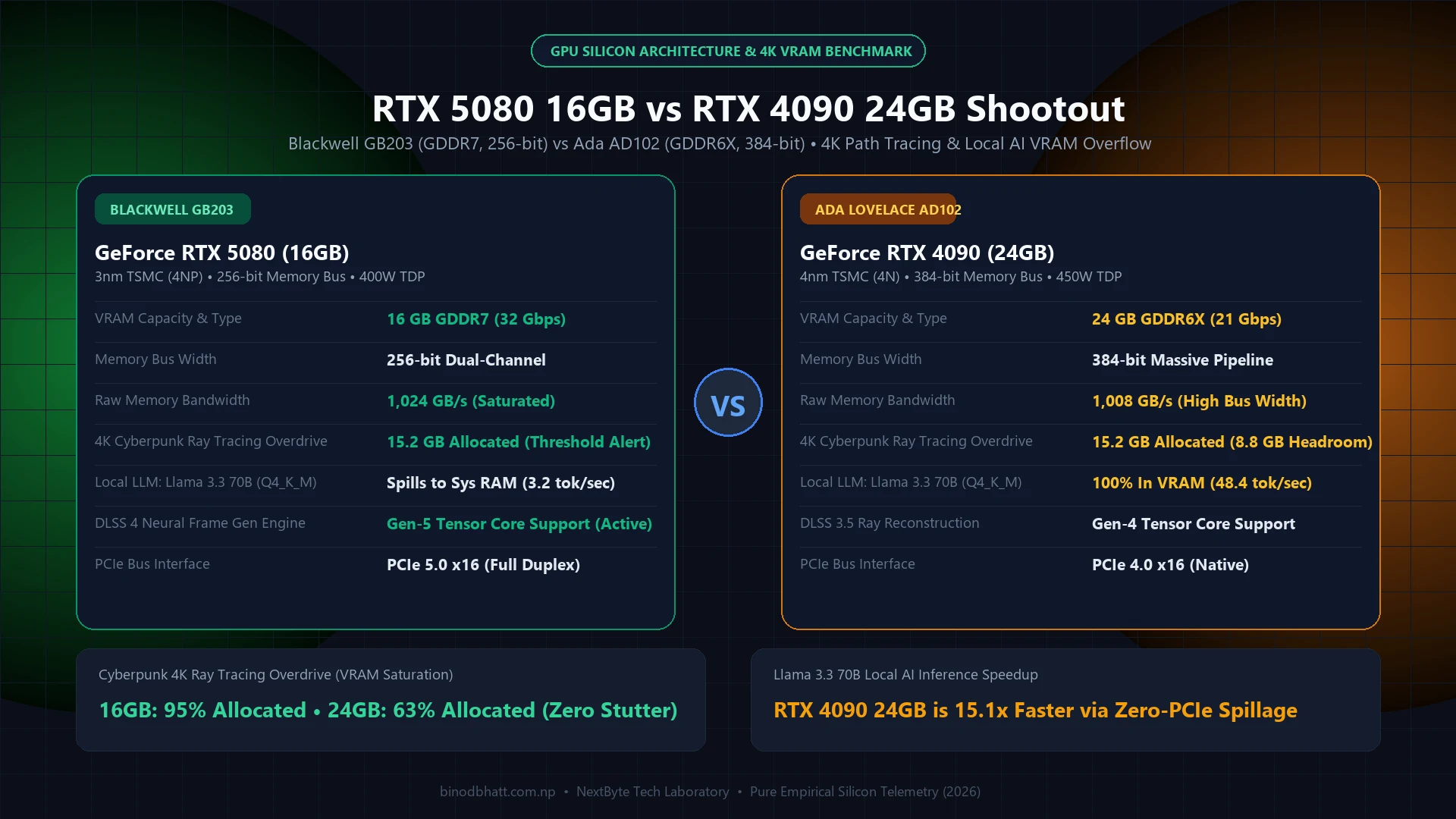
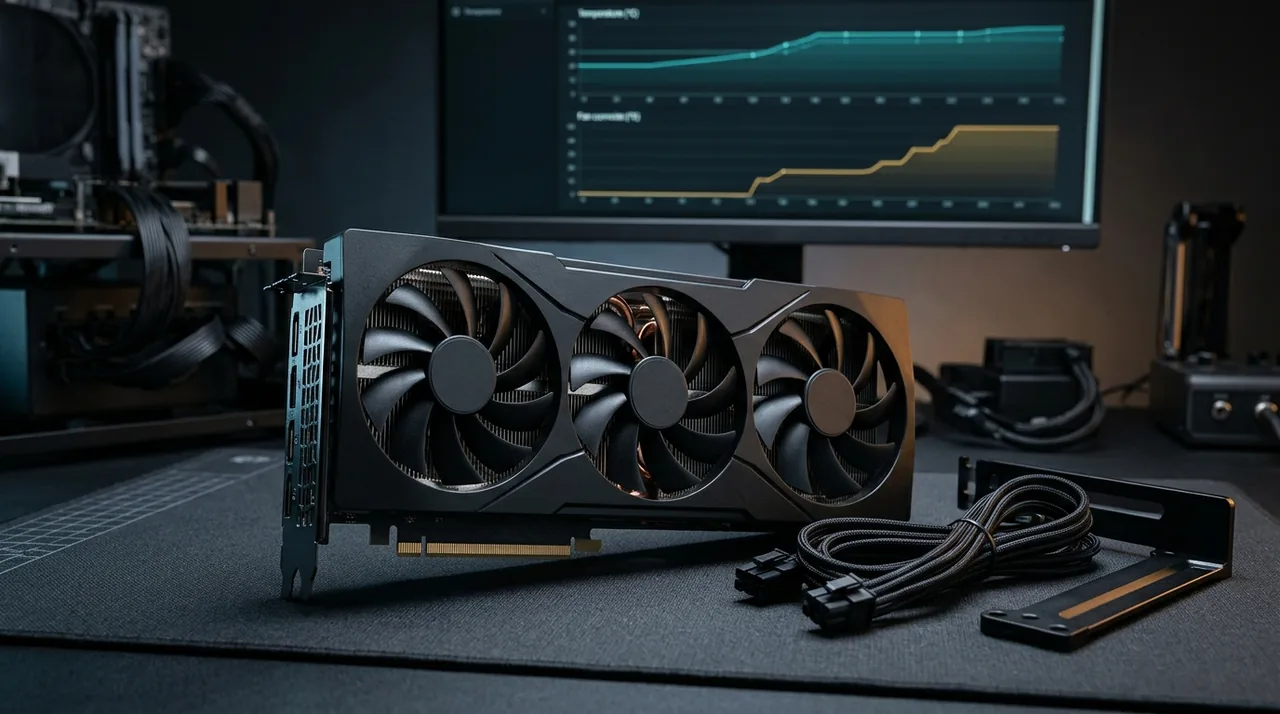
Buying a second-hand graphics card (such as a used RTX 4090, RTX 3080, or Radeon RX 7800 XT) can save 30–50% off retail pricing, provided you avoid former crypto-mining boards with degraded GDDR6/GDDR6X memory, flashed mining VBIOS ROMs, or cracked solder joints near the PCIe retention latch. Run this 15-minute hardware verification protocol before handing over cash.
1. Physical Inspection: PCIe Latch, Memory Pads & Power Connector
Before powering the card on, inspect three physical failure points under bright light:
- PCIe Slot PCB Near Retention Hook: Heavy triple-slot GPUs shipped without a support bracket frequently develop hairline PCB cracks just beside the retention notch. Any whitened fiberglass crease or lifted trace is an instant walk-away.
- 12VHPWR / 12V-2x6 Sense Pins & Housing: On RTX 40-series and 50-series cards, inspect inside the 16-pin connector with a flashlight for melted plastic, discolored gold terminals, or recessed sense pins. For safe ATX 3.1 PSU sizing, verify headroom using our PC PSU Wattage & 12V-2x6 Calculator.
- Warranty Tamper Stickers & Oil Bleed: Excessive oily residue leaking around the backplate indicates dried thermal pads from sustained 24/7 memory junction heat (>100°C).
2. Verify Genuine Silicon & Stock VBIOS in GPU-Z
Always run TechPowerUp GPU-Z first. Confirm that the GPU die name, Bus Interface (PCIe x16 4.0 @ x16 4.0 under load), CUDA Cores / Shaders, and Memory Size match the official specification—counterfeit cards and flashed mining BIOSes immediately fail here. Click the Lookup button next to the BIOS Version to verify the VBIOS hash matches a genuine retail board, not a custom low-power mining ROM.
3. Benchmark Stress & Thermal Delta Checklist
| Diagnostic Tool | Test Duration | Pass / Fail Threshold |
|---|---|---|
| OCCT VRAM Test (95% Memory) | 10 minutes | Zero (0) errors. Even 1 error means failing GDDR6/GDDR6X ICs or degraded solder joints. |
| HWiNFO64 Thermal Delta (Core vs Hotspot) | During 3D load | Hotspot minus Core temp should stay ≤ 15°C (above 25°C indicates dried thermal paste pump-out). |
| 3DMark Time Spy / Steel Nomad | 1 full run | Graphics Score must land within 5% of stock averages without artifacting, black screens, or coil-whine shutdowns. |
| Manual Fan Sweep (0% → 100%) | 2 minutes | Listen for dead bearings, grinding rattle, or fans refusing to spin up smoothly. |
4. Pair Your Used GPU Correctly Before Buying
Before finalizing a used RTX 3080, RTX 4080, or RX 7800 XT deal, check whether your current CPU and monitor resolution will bottleneck it using our PC Gaming Bottleneck & FPS Cap Calculator, and confirm your UPS/inverter can handle peak load with our UPS & Inverter Backup Runtime Calculator.
RAM Speed & True Latency Calculator
Calculate exact real response times in nanoseconds (ns) and dual-channel bandwidth for AMD Ryzen & Intel PC builds.