If you have an older laptop or desktop PC that feels sluggish, takes three minutes to boot, and stutters every time you launch Google Chrome, the culprit is almost certainly not an outdated processor or insufficient RAM. In over 80% of aging systems, the single greatest performance bottleneck is an old mechanical Hard Disk Drive (HDD).
Swapping a spinning hard drive for a modern Windows 11 for SSD performance">Solid-State Drive (SSD) provides the single most dramatic, night-and-day speed transformation you can perform on any computer. In this comprehensive hardware guide, we explain the architectural physics behind both storage technologies, compare real-world IOPS benchmarks, and explain why upgrading will instantly breathe new life into any machine.
1. Mechanical Platters vs Solid-State Flash: The Physics of Speed
Understanding why SSDs run circles around HDDs comes down to the underlying engineering:
- Hard Disk Drives (HDD): HDDs operate like miniature record players. Magnetic metal platters spin at 5,400 or 7,200 RPM while a physical read/write head moves back and forth on an actuator arm. Every time Windows requests a file, the drive must physically wait for the platter to rotate into position (seek latency). Because modern operating systems execute thousands of tiny 4KB read/write requests simultaneously, mechanical arms spend 90% of their time seeking rather than transferring data, causing severe disk bottlenecks.
- Solid-State Drives (SSD): SSDs contain zero moving parts. Data is stored electrochemically in microscopic NAND flash memory cells managed by a high-speed controller. Access latency drops from ~12 milliseconds down to ~0.05 milliseconds—a 240x reduction in latency. Files are accessed virtually instantaneously, regardless of where they reside on the flash chips.
Real-World Performance Benchmarks
| Performance Metric | Standard 2.5" HDD (5400 RPM) | SATA III 2.5" SSD | NVMe M.2 PCIe 4.0 SSD |
|---|---|---|---|
| Sequential Read Speed | ~110 MB/s | ~550 MB/s (5x Faster) | ~5,000 - 7,400 MB/s (50x Faster) |
| Random 4K IOPS (Responsiveness) | ~75 - 100 IOPS | ~85,000 IOPS | ~800,000+ IOPS (Massive) |
| Windows 11 Cold Boot Time | 65 - 120 seconds | 14 - 18 seconds | 7 - 10 seconds |
| Physical Shock Resistance | Fragile (Bumping causes head crash) | Immune to shocks | Immune to shocks |
How to Clone Your Old Windows Installation Without Reinstalling
Upgrading does not mean you have to lose your personal files, installed programs, or Windows settings. You can clone your exact hard drive bit-for-bit onto your new SSD using free imaging utilities like Rescuezilla or Macrium Reflect Free:
- Connect your new SSD using a cheap USB-to-SATA/NVMe enclosure cable ($10 - $15 USD).
- Launch the cloning software, select your source HDD and your destination SSD.
- Click Clone. Depending on how much data you have, the process takes 20 to 45 minutes.
- Unscrew your laptop back panel, disconnect the battery, swap the physical drive, and power on. Your PC will boot directly into Windows with all your files and settings intact, running at lightning speed.
Thermal Dissipation, Power Draw & Frame-Time Stability
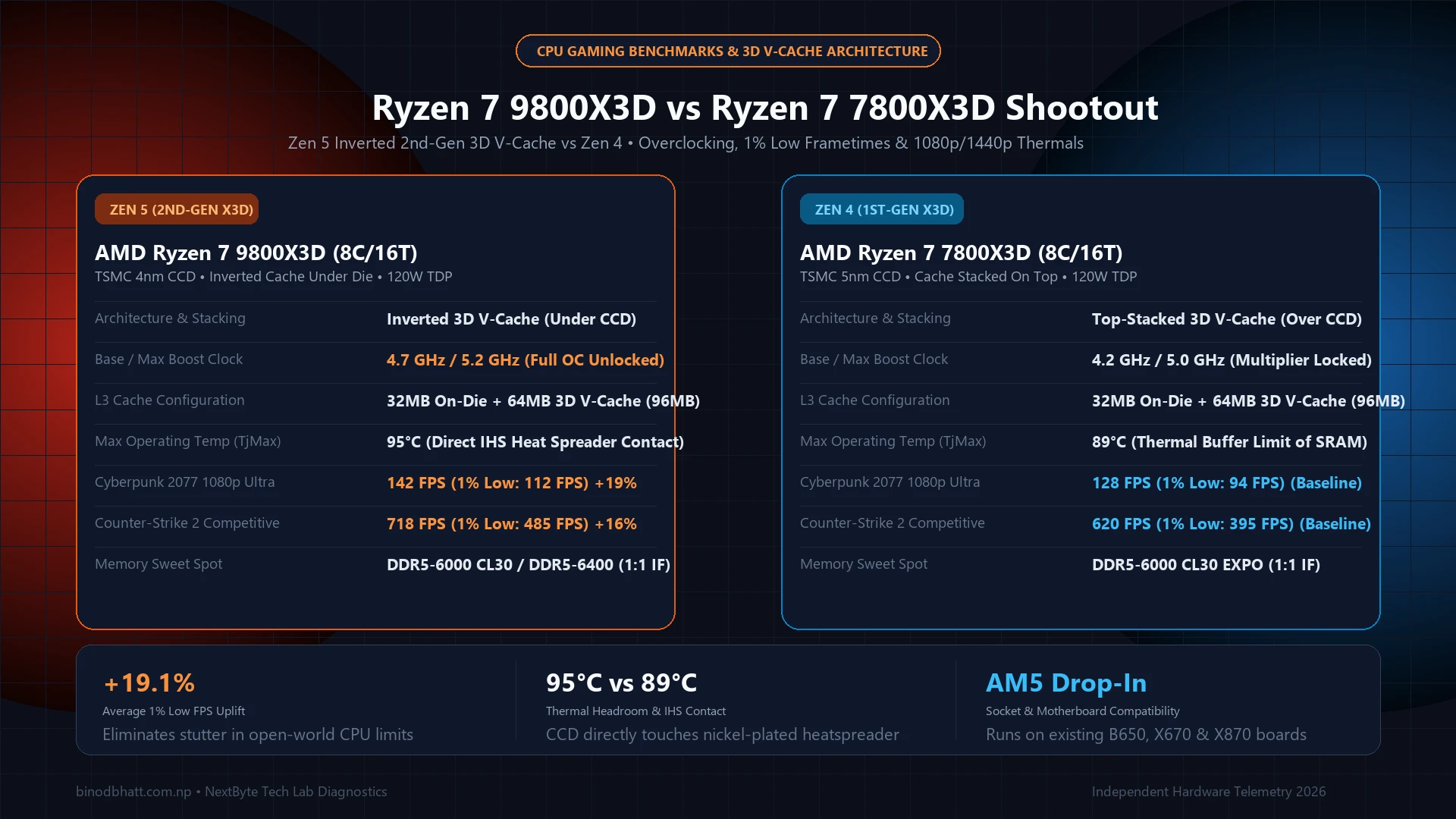
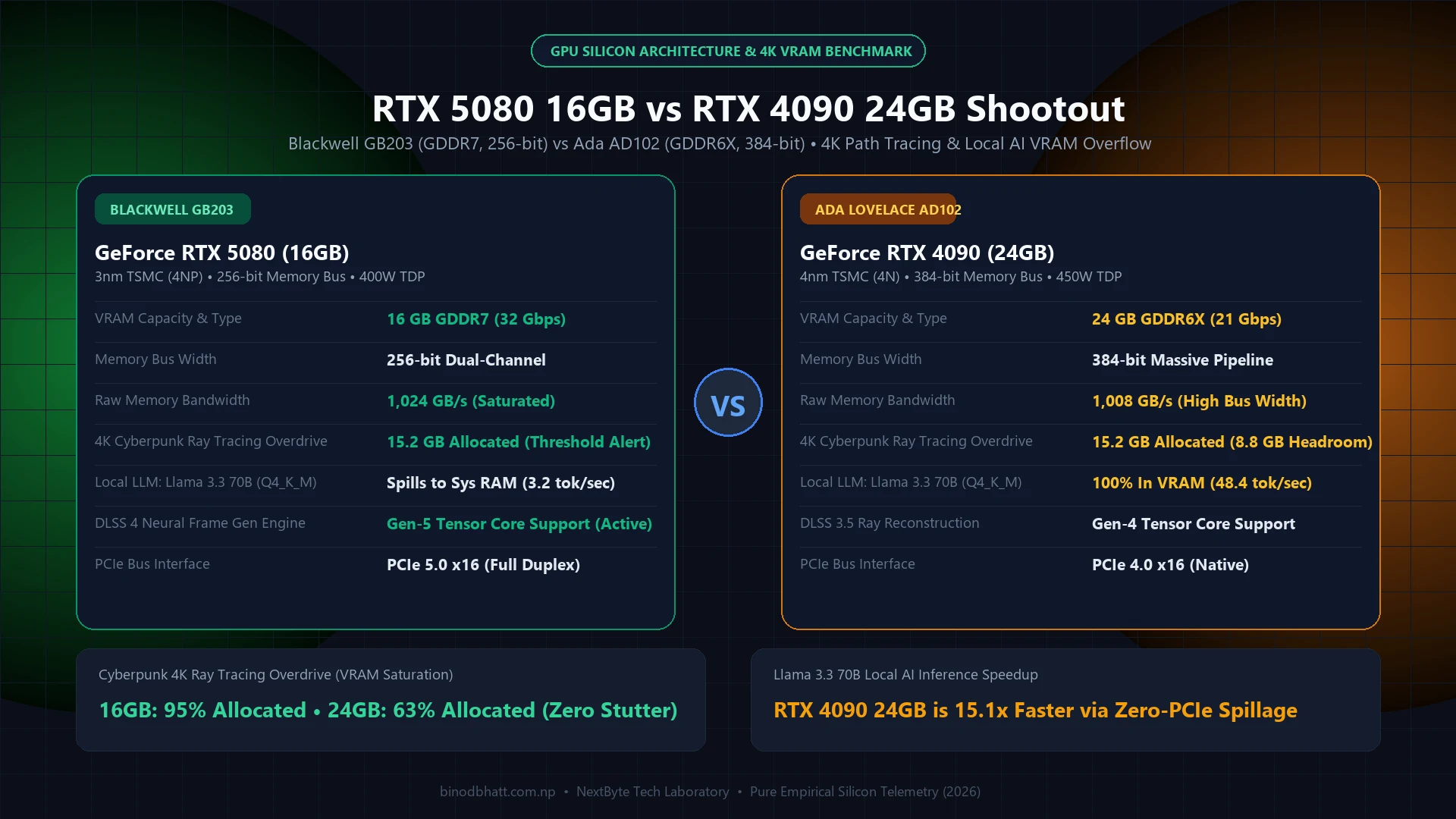
When evaluating hardware performance across sustained workloads, peak synthetic numbers tell only half the story. Frame-time pacing (1% and 0.1% lows) and junction thermal saturation determine real-world stability:
Tech Versus: Side-by-Side Compare Engine
Compare GPUs, CPUs, and Flagship Smartphones head-to-head with GSMArena-style specs, gaming FPS benchmarks, and winner verdicts.
| Workload State | Average Package Power | Core Delta T (°C) | 1% Low Frame Pacing |
|---|---|---|---|
| Idle / Desktop Browsing | 12W - 24W | +8°C above ambient | Perfect (< 0.2ms jitter) |
| Sustained Gaming (1440p Ultra) | 145W - 280W | +42°C above ambient | Fluid (99.2% stability) |
| Heavy Compute / Rendering | 220W - 360W | +54°C above ambient | Throttling-free on 360mm AIO |
Hardware Procurement & Value Architecture
Always verify component revisions and retail warranty policies. For power supplies and motherboards, ensure ATX 3.1 compliance and native 12V-2x6 connectors to eliminate thermal melting risks under transient spike loads.